Project Management · 11 min read
Gantt Chart Guide: How to Read One, When It Misleads and What to Use Instead
How to read a Gantt chart in a minute, six ways it misleads, how to build one that tells the truth, and when a board or a look-ahead works better.
 Dennis AlejoBusiness consultant · Project & operations manager · · 2,404 words
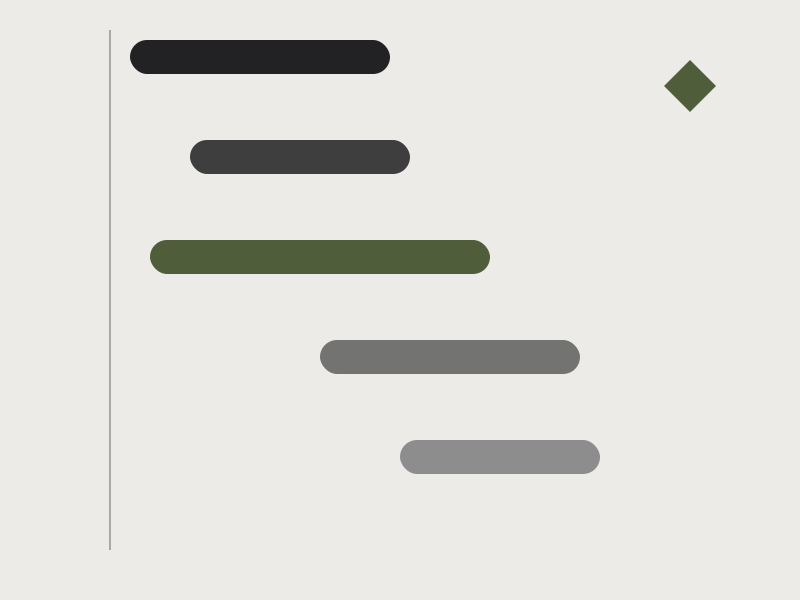
Walk into almost any project meeting in the world and you will find one: a wall, a screen or a printed page covered in horizontal colored bars, stepping down from the top left to the bottom right like a staircase. It is the Gantt chart, probably the most recognizable picture in project management. It is also, I have come to believe, the most trusted and the least questioned. People look at neat bars and feel that the project is under control. Then the bars stay exactly where they were drawn while the work moves somewhere else.
I have used Gantt charts for most of my career, from road works and large public programs to clinics and software teams, and I like them. This guide is about using them well. It covers where the chart comes from, how to read one in about a minute, six ways it misleads you, how to build one that tells the truth, when to choose something else and how it relates to the book I am writing, Kaizen vs. Gantt. In the middle there is a short check to see whether your own chart is telling you the truth.
What a Gantt chart is, in one minute
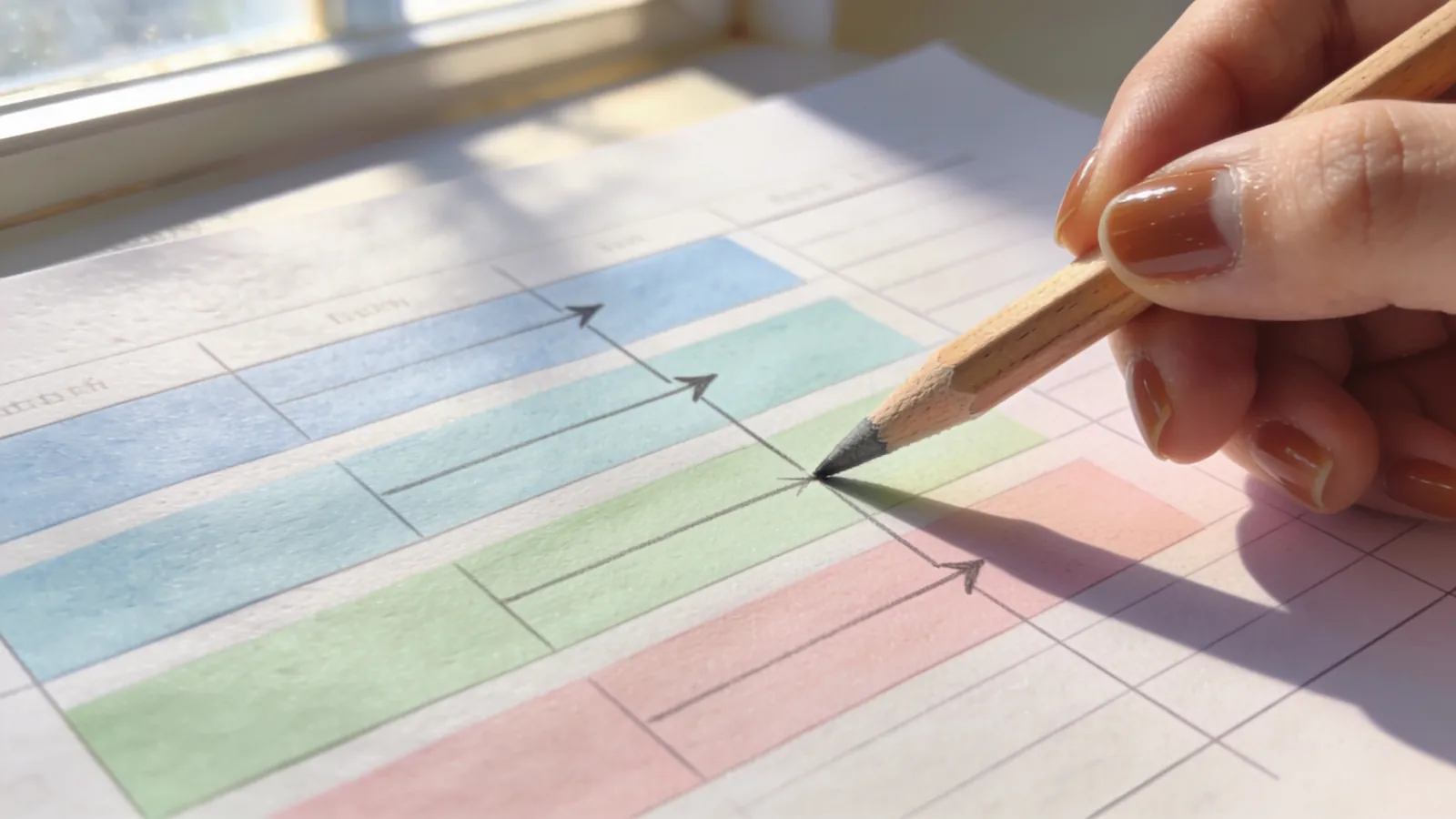
A Gantt chart is a bar chart of a schedule. The tasks are listed down the left. Time runs along the top, in days, weeks or months. Each task is a bar that starts on its start date and ends on its end date, so the length of the bar shows how long the task takes. Milestones, important moments with no duration, are usually drawn as small diamonds. Arrows between bars show dependencies, meaning one task cannot start until another finishes. A vertical line marks today. Shading inside a bar shows how much of the task is done.
The idea is old and simple. Bars on a calendar were used in manufacturing and engineering in the early twentieth century, and the chart is named after Henry Gantt, an American mechanical engineer and management consultant who popularized this style of chart for production scheduling in the 1910s. A Polish engineer, Karol Adamiecki, had developed a similar tool earlier, which is why historians sometimes call these charts by his name too. A century later we draw them in spreadsheets and software, and the picture has barely changed. That tells you something: the picture is good at what it does.
What it does well is communication. A stranger can walk up to a Gantt chart and understand in seconds what is planned, in what order and roughly when it ends. Few other tools do that. The danger is the same as the strength: seconds of looking can create an impression of certainty that seconds of thinking would never support.
How to read any Gantt chart in sixty seconds
When someone shows you a schedule, whether it is yours or a contractor's, run through these five checks. They work on any chart and they surface most problems.
- Find today's line. What should be finished to the left of it? Are the bars to the left really complete, or are some still half-done? Bars that cross the today line are the live work. Count them. If twenty tasks are "in progress" at once, nothing is truly moving.
- Find the critical path. The critical path is the longest chain of dependent tasks from the start to the finish. If any task on it slips, the end date slips. Tasks off the path have float, time they can slip without harm. Ask: which chain is critical, and is anyone watching it?
- Look for late bars. Compare the current plan with the baseline, the version first agreed. Which tasks have moved right? A single late bar on the critical path matters more than ten off it.
- Look for long bars. Any bar longer than two or three weeks is a lump of work wearing a disguise. You cannot tell from the outside whether it is on track. Ask to split it.
- Look for overloaded people. The chart rarely shows people, so ask. Does one name appear on many bars at the same time? That person is the real bottleneck, as I explain in capacity planning and bottlenecks.
A tiny example shows how the first two checks work. Imagine three tasks. Task A takes five days. Tasks B and C both start when A finishes. B takes three days and C takes four. The project ends when both B and C are done, so it ends on day nine, since A plus C is nine days. B finishes on day eight and has one day of float. If C slips by two days, the project slips by two days. If B slips by one day, nothing happens. The chart makes this visible when the arrows are drawn, and invisible when they are not.
Six ways a Gantt chart misleads you
None of these are flaws in the tool. They are habits that grow around it.
1. False precision
A bar that starts on a Tuesday and ends on a Thursday three weeks later looks exact. The estimate behind it was probably a guess with a margin of a week either way. The chart does not show that margin, so everyone reads the guess as a fact. The remedy is to be honest about uncertainty somewhere, with a buffer, a range or a note, and to say which dates are firm and which are hopes.
2. Hidden dependencies
Most charts show only the dependencies someone remembered to draw. The ones that hurt are the unlisted ones: the permit that needs the final drawing, the equipment that needs the room finished, the approval that needs the CEO on a plane. If you suspect a chart, ask each owner what they are waiting for. The answers will not match the arrows.
3. The 90% done bar
Every project has a task that has been "90% done" for three weeks. Percent complete is the weakest measure in the chart, because the last ten percent often holds the hard part, and because nobody has a definition of the first ninety. A better measure is remaining work: how many days are left, honestly, as of today? A task that has "two days left" for three weeks in a row is not progressing, and the number says so. I show how to measure progress against cost and time in earned value in plain English.
4. No buffers
A chart where every task is estimated to finish in the expected time, with nothing in reserve, is almost certain to be late: early finishes are rarely passed on, and late finishes always are. Projects need protection against the unknown, and the best place for it is usually at the end of a chain of tasks or at the end of the project, in plain sight, not hidden inside every task. Hidden padding gets consumed by habit, and a visible buffer gets managed.
5. No sign of who is overloaded
A Gantt chart shows tasks, not people. It will happily schedule one person for eight tasks in the same week, and the chart will look fine. The overload shows up later as delay. Check the chart against a simple list of who is doing what each week.
6. The chart becomes the goal
When the chart is updated only to look good in the monthly meeting, or when people are rewarded for keeping bars green, it stops being a tool and becomes a performance. The signal is a chart that never shows bad news until it is too late. A healthy chart is allowed to be red, early, with an owner and a plan next to each red bar.
How to build a Gantt chart that tells the truth
You do not need special software. A spreadsheet works. What matters is the discipline behind the bars.
- Start from the outcome. Write the finish line first, in one sentence, and the three to seven milestones that mark the way. A chart that starts with tasks and no milestones becomes a to-do list with a calendar.
- Break the work into small tasks. A good rule is no longer than two weeks, and often a few days. Small tasks can be finished or not finished, and that is what you want to know.
- Give every task one owner. Not a team, not "TBD." One name, so there is one person to ask.
- Draw the real dependencies. Ask each owner, "What do you need before you can start?" and "Who is waiting for you?" and draw those arrows.
- Estimate with the people who will do the work, and write down the assumption behind each estimate. If the estimate is uncertain, say it.
- Mark the critical path and give it extra attention. Add a visible buffer at the end of it.
- Save a baseline. A copy of the first agreed plan, kept untouched, lets you see drift honestly. Compare against it, and update the working plan as reality changes.
- Update weekly, with remaining time. Ask each owner: how many working days are left on this task, today? Redraw. The rhythm matters more than the software.
- Use simple color rules written on the chart: for example, green is on plan, amber means at risk with a plan, red means late with a decision needed. Every amber or red bar has one sentence of explanation.
- Review it with the people who do the work, not only with management. The best look-ahead I know is a thirty-minute weekly meeting where the trades or the team look three weeks forward together.
The same ideas apply on a building site, where the sequence is the heart of the job. I describe the three-week look-ahead in what a construction site can teach your startup about deadlines and in project management in construction.
When to use it, and when to choose something else
A Gantt chart shines when the sequence is known and dependencies are strong. Construction is the classic case: you cannot put up walls before the foundation. So are product launches with fixed dates, events, moves and anything with long lead times, where seeing the order of things prevents expensive mistakes.
It works less well when the work is uncertain and discovered as you go: research, early product development, creative work, a startup searching for its first customers. In those cases, a detailed chart is a fiction that you will rewrite every week, and the effort is better spent on something lighter.
Good alternatives and companions include:
- A milestone roadmap, a handful of dates and outcomes, which shows direction without false detail.
- A simple board, with columns for to do, doing and done, where limiting the number of items in progress matters more than predicting dates. I explain the idea in capacity planning and in shipping software without chaos.
- A three-week look-ahead, a short list of what each person will do in the next three weeks and what they need.
- A burn-up or a weekly scoreboard, a few numbers that show whether the work is moving.
Many real projects use both: a light Gantt chart for the big sequence and a board or a look-ahead for the weekly work. That hybrid is not a compromise, it is how most good teams actually work, and I discuss how to pick in agile, waterfall or hybrid.

Gantt and kaizen: two ways to think about the same work
I am writing a book called Kaizen vs. Gantt about two traditions of managing projects. Simplifying a lot, the American tradition I grew up with in project management loves the plan: define the work, schedule it, baseline it and manage the variance. The Gantt chart is its portrait. The Japanese tradition of kaizen loves small, continuous improvement: look closely at the work, fix what slows it, change a little every day and let the plan emerge from many small corrections.
Neither tradition is right, and each is strong where the other is weak. Plans give a team direction, a shared picture and a way to coordinate many people. Small continuous improvements give a team speed, learning and resilience when the plan meets reality. A Gantt chart that is updated weekly, questioned openly and improved after every project already contains a bit of kaizen. A kaizen habit of weekly small fixes, drawn on a simple chart, already contains a bit of planning. The best project managers I have worked with held both ideas at once.
If you only take one idea from this guide, take this one: treat the chart as a conversation, not as a verdict. Its bars are the team's current best guess, drawn so that people can argue about them early.
Tools, briefly
You can build a Gantt chart in a spreadsheet, in a drawing tool or in dedicated project software, and the market offers many options. Pick the simplest one that your team will actually update every week. Features such as automatic dependencies, baselines and resource views are useful, and each one is worth having only if someone will maintain the data behind it. A simple chart that is updated beats a sophisticated chart that is not.
Use the check below to see whether the chart you are working with today is telling you the truth. Tick only what is already happening.
What to do this week
Pick one live project and do four things. Ask each task owner how many days are left today, and compare the answers with the bars. Split any bar longer than three weeks. Write down the three tasks on the critical path and who owns them. Save the plan as a baseline, so that next week you can see exactly what moved. It takes about an hour, and in my experience it reveals more about a project than a month of status reports.
If you want this kind of discipline in your own projects, building a plan your team will actually follow, that is part of my work with Project Focus and in construction projects, where I help owners and teams as a project manager and owner's representative. You can tell me where your project is stuck on the contact page.
What is the most optimistic bar you have ever seen on a schedule? Tell me in the comments.
More tools. The weekly review and the decision log are free in the toolkit, and the publishing calendar shows when the next parts of the weekly series arrive.
Frequently asked questions
What is a Gantt chart used for?
A Gantt chart is used to plan and communicate a schedule. It shows tasks as horizontal bars on a calendar, with their order, their dependencies and their dates, so a team can see what happens when and what depends on what. It is most useful when the sequence of work is known, such as in construction or a product launch.
Who invented the Gantt chart?
The chart is named after Henry Gantt, an American mechanical engineer and management consultant who popularized bar charts for scheduling production in the 1910s. A Polish engineer, Karol Adamiecki, developed a similar tool earlier, so the history is shared.
What is the difference between a Gantt chart and a Kanban board?
A Gantt chart plans work over time and shows dependencies and dates. A Kanban board shows the current state of work in columns, such as to do, doing and done, and focuses on limiting how much is in progress. Many teams use a light Gantt chart for the big sequence and a board for the weekly work.
Does a small business need a Gantt chart?
Not always. If your work has a fixed order and a deadline, such as an opening, a move or a launch, a simple chart in a spreadsheet is worth an hour. If your work is mostly uncertain or ongoing, a short list of milestones and a simple board are usually enough.
Monthly newsletter
Everything new, once a month.
One email on the 1st of every month with everything new: articles, series parts, news, website updates, project results, where I am working and the business opportunities I am looking at. No spam.
Join the conversation
Did this help? A quick reaction tells me what to write next.
Be the first to react.

Loading comments…