AI & Automation · 9 min read
AI Contract Review: What to Automate and What to Keep Human
What AI can safely do with a contract (extract, compare, summarize) and what stays human, with a one-page playbook, a three-pass process and four numbers.
 Dennis AlejoBusiness consultant · Project & operations manager · · 2,020 words
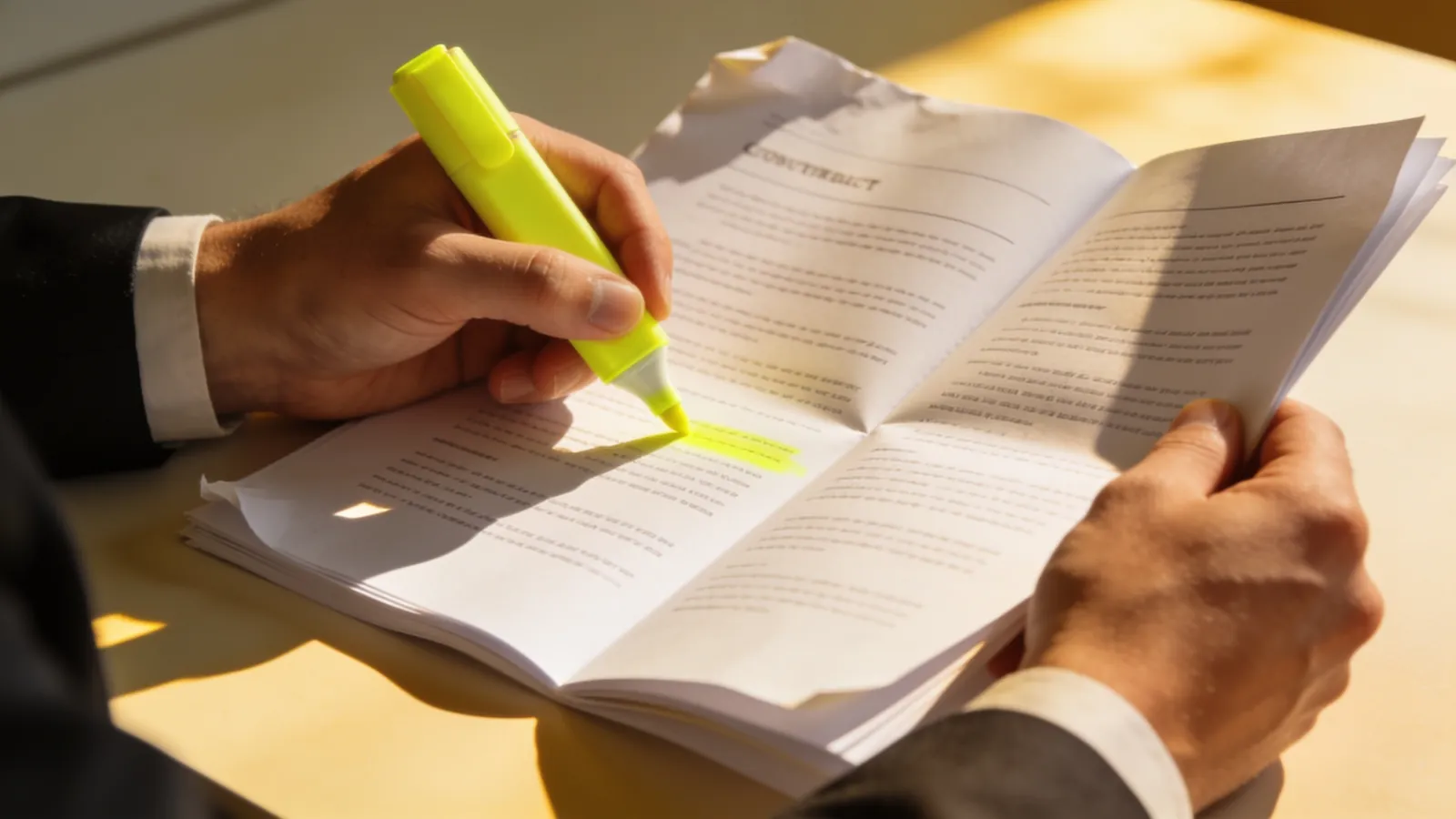
A friend who runs a small construction company once told me he signed a subcontract without reading page nine. "It was boilerplate," he said. Page nine had a clause that made him responsible for his subcontractor's delays on the neighboring job. Boilerplate, it turns out, is where the fun hides.
Nobody enjoys reading contracts. They are long, dense and written in a dialect of English that exists only for this purpose. So when AI assistants arrived that can read forty pages in ten seconds, the question was obvious: can we hand the reading to a machine and go back to work?
The honest answer is: partly, and the part you hand over matters. This guide is about where the line sits for a small business or a project team: what to automate, what to keep human and how to set the whole thing up as a repeatable process, not a gamble. I am a project and operations manager, not a lawyer. Nothing here is legal advice, and contract rules vary by state and by contract type, so ask an attorney licensed where you operate when something important is at stake.
Why contracts are a good candidate, and a risky one
Contract review has the traits of a task that AI handles well. It is repetitive: you look for the same things every time. It is text-heavy. And it is mostly checking, comparing what is written with what you expect. It is also a task where mistakes are expensive and invisible: a missed clause does not announce itself until much later.
So the question is not "can the AI do it?" but "which parts can it do safely, and how will I know when it gets one wrong?" That is a project-management question, and the answers fit a familiar frame. You define the task, set the checks, assign the owner and measure the result. The guide on contract management best practices and the one on contract risks that cost projects explain what a good process looks like with or without AI. This post adds the AI layer.
What to automate
These are the jobs where a machine saves you hours and the risk of a mistake is low, because you can check the result in a minute.
1. Extraction: the facts in the document
Ask the assistant to list the parties, the effective date, the term, the renewal and notice dates, the payment amounts and schedule, the termination rights and any deadlines. It will return a short table. You then check each line against the document. Extraction is easy to verify, because the answer is a quote or a number you can find on the page. It also feeds a calendar: the date that a contract auto-renews is far more useful on your calendar than buried on page 14. The contract calendar template is a good place to put it.
2. Comparison with your standard
If you have a standard agreement or a playbook, ask the tool to compare an incoming contract with it and list where the wording is different. The assistant can say, "The payment term here is 60 days, your standard says 30." That is a fast way to find the places that deserve your attention. It does not tell you whether 60 days is acceptable. You do.
3. Summaries for people who will not read it
A one-page summary in plain language helps the people around the contract: the operations lead who needs to know the delivery dates, the finance person who needs the payment terms. Label it as a summary and keep the contract as the source. A summary is a convenience, not a substitute.
4. Obligation lists
Every contract is a list of things somebody must do by some date. An assistant can draft that list: who owes what to whom, by when. Feed it into your task tool and the contract becomes a project plan. This is the link between contract management and the critical path: a delayed obligation on the critical path moves the end date.
5. First-draft questions and redline ideas
You can ask the tool for questions you should ask the counterparty, or for alternative wording for a clause that bothers you. Treat the answer as an idea from a junior colleague, not as advice. Someone with authority and responsibility must decide what goes into the redline.
What to keep human
These are the jobs where a mistake is costly and where context decides the answer. A machine can help you think. It cannot own the decision.
- Risk acceptance. Is this limit of liability acceptable? It depends on your business, your insurance, your customer and the size of the job. The tool does not know your tolerance, and it does not carry the consequences.
- Interpretation of ambiguous language. Two reasonable readings of a sentence can lead to very different outcomes. A lawyer reads for how a court in your state might see it.
- Jurisdiction and regulation. Law differs between states and between types of work. An assistant trained on general text may mix them up with confidence.
- Negotiation. The relationship, the leverage and the history live in your head. So does the question of what to concede.
- The signature. The person who signs is accountable. That cannot be delegated to software.
If you hold on to one sentence from this article, it is this: the machine drafts, the person decides and the pen stays in your hand. The same idea appears in the AI series for small business, in Part 3 on operations paperwork.
The risks nobody warns you about
Confidentiality
A contract may include pricing, customer names, personal data or terms you promised to keep private. Before you paste any contract into a tool, read the tool's terms: where the text is stored, how long, who can see it and whether it is used to train models. Many business plans let you opt out of training and offer controls, and many free tools do not. If you do not know, do not paste. Ask the provider, or use a version designed for business use, and write the answer into your policy. A one-page AI policy belongs to the same family of habits.
Confident mistakes
AI assistants can state something wrong in a confident voice. They may invent a clause that is not in the document, miss one that is or mix up two parties. This is why extraction should always point back to the text. Ask the tool to quote the sentence and the page. If it cannot, the answer does not count.
Overreliance
A tool that is right 95 times out of 100 trains you to stop checking. The hundredth time is the one that matters. Build the check into the process so that it does not depend on your mood.
Hidden scope creep
The more the assistant produces, the more there is to review. A ten-page "analysis" of a two-page contract is not a saving. Ask for short outputs, in a fixed format.
The playbook: one page before any tool
The best preparation costs an hour and no software. Write a one-page playbook of how you review contracts:
- Always check: the ten clauses you look at every time. For example, payment terms, scope and change process, termination, liability and indemnity, insurance, confidentiality, ownership of work product, dispute resolution, assignment and renewal.
- Acceptable range: for each, what is fine and what is a red flag. "Payment within 30 days is standard for us. Over 45 needs approval."
- Escalation: what goes to a lawyer, and what goes to the owner. "Any indemnity, any exclusivity and anything above $50,000."
- Format: how you want the result. A table: clause, what it says, page, difference from the standard, my question.
Give that page to the AI as the instruction, and give the same page to the person who reads the result. It turns the task from "review this" into "check these ten things and show me where they are." The construction version of this checklist is in the construction contract management guide, and the habit of writing down what change orders must contain is in change orders without a fight.

A three-pass process
Think of contract review as three passes, each with a different job:
- Pass one, the machine. Run the playbook through the tool. Get the table: facts, differences, questions. Time: minutes.
- Pass two, you. Read the highlighted clauses in the contract itself, not in the summary. Check each extracted fact against the text. Add your questions. Time: 20 to 40 minutes for a typical agreement.
- Pass three, a professional, when the escalation rules say so. A lawyer, an insurance broker or an accountant sees the items you could not settle. You arrive with a short list, which makes the hour cheaper and better.
This saves money in the place where it should: your own reading time and the professional's time spent on the real questions. It does not remove the need for either.
An illustrative example: the subcontract on page nine
Here is a made-up version of my friend's story with a better ending. A small contractor receives a subcontract. He runs his playbook through the tool. The table comes back with a note: "Section 9.3 makes the subcontractor responsible for delays on other work of the contractor. Your standard has no such clause." He reads the paragraph in the contract, then asks the other party to remove it or limit it. A lawyer reviews the wording in thirty minutes. The result: the clause is limited to delays the subcontractor causes. The tool did not make the decision. It pointed at page nine.
The example is illustrative, and the lesson is not that the tool is clever. It is that the checklist is. Anyone with the checklist and the patience could have found page nine. The tool made it cheap enough to do every time.
Four numbers to tell you if it works
After a month, measure:
- Minutes per contract before and after, for your pass two.
- Misses: things you or the lawyer found that the tool did not. Keep a one-line log. If misses are frequent, your playbook is too vague or the tool is not the right one.
- Corrections: how many extracted facts were wrong when you checked them.
- Deadlines caught: renewals, notice dates and payments that landed on the calendar and were handled on time.
These are the kind of numbers that belong on a weekly scoreboard. If the benefit is real, you can also estimate the payback using the method in measuring the return on automation.
Mistakes to avoid
- Pasting without reading the terms. Confidentiality first.
- No playbook. The tool will review something, but not necessarily what you care about.
- Trusting a summary. Always read the clause you are going to rely on.
- Skipping the lawyer when it matters. Use the tool to make the legal hour better, not to avoid it.
- Treating the output as final. It is a draft that you own.
- Automating before the process exists. If your team has no way to track a renewal date, the best extraction in the world has nowhere to go. Fix the process first.
Check where you stand
The tool below helps you decide whether your contract review is ready for an AI assistant. Tick what is already true.
What to do this week
- Pick one type of contract you see often, for example a service agreement or a subcontract.
- Write the one-page playbook: ten clauses, the acceptable range, the escalation rules and the format.
- Read the terms of the tool you plan to use and write down where the data goes.
- Test it on one old contract that you already know well. Compare the table with what you know.
- Put every extracted date on your calendar and assign an owner.
- After a month, look at the four numbers and decide whether to keep going.
This post is general information, not legal advice. Contract law varies by state and by the kind of agreement. For help with the process side, such as setting up a review routine for your business, see my services or take the diagnostic.
Frequently asked questions
Can AI review a contract for me?
It can read it, extract facts, compare it with your standard and list questions, and that saves time. It should not decide what risk you accept or replace a lawyer for important or unusual agreements. Treat its output as a draft that you check against the text.
Is it safe to upload a contract to an AI tool?
It depends on the tool and on the contract. Read the provider's terms on storage, retention, access and use of your data for training, and check whether your contract has confidentiality terms. If you are unsure, do not upload it, and ask the provider or a professional.
Which contract tasks are best to automate?
Extracting dates, parties, amounts and deadlines, comparing clauses with your standard wording, summarizing for colleagues and listing obligations. These tasks are easy to check because the answer points to a place in the document.
Do I still need a lawyer if I use AI for contracts?
For anything high-stakes, unusual or ambiguous, yes. A good use of the tool is to prepare: arrive with a short list of clauses and questions, so the professional's time goes to the real decisions.
Everything new, once a month.
One email on the 1st of every month with everything new: articles, series parts, news, website updates, project results, where I am working and the business opportunities I am looking at. No spam.
- Fresh on the site right now
- ArticleUtah Business, Part 3: Hiring and Staffing in a Tight Labor Market
- NewsUS construction spending fell 1.9% in September: what to read before you react
- SeriesThe weekly rhythm: a 30-minute meeting that runs the business
Join the conversation
Did this help? A quick reaction tells me what to write next.
Be the first to react.


Loading comments…